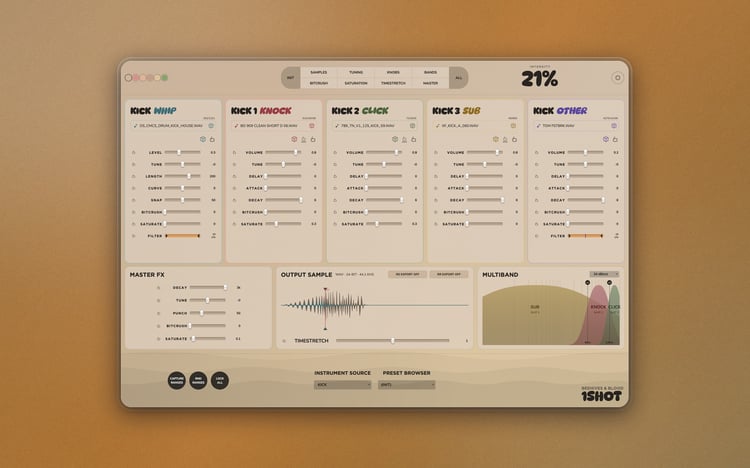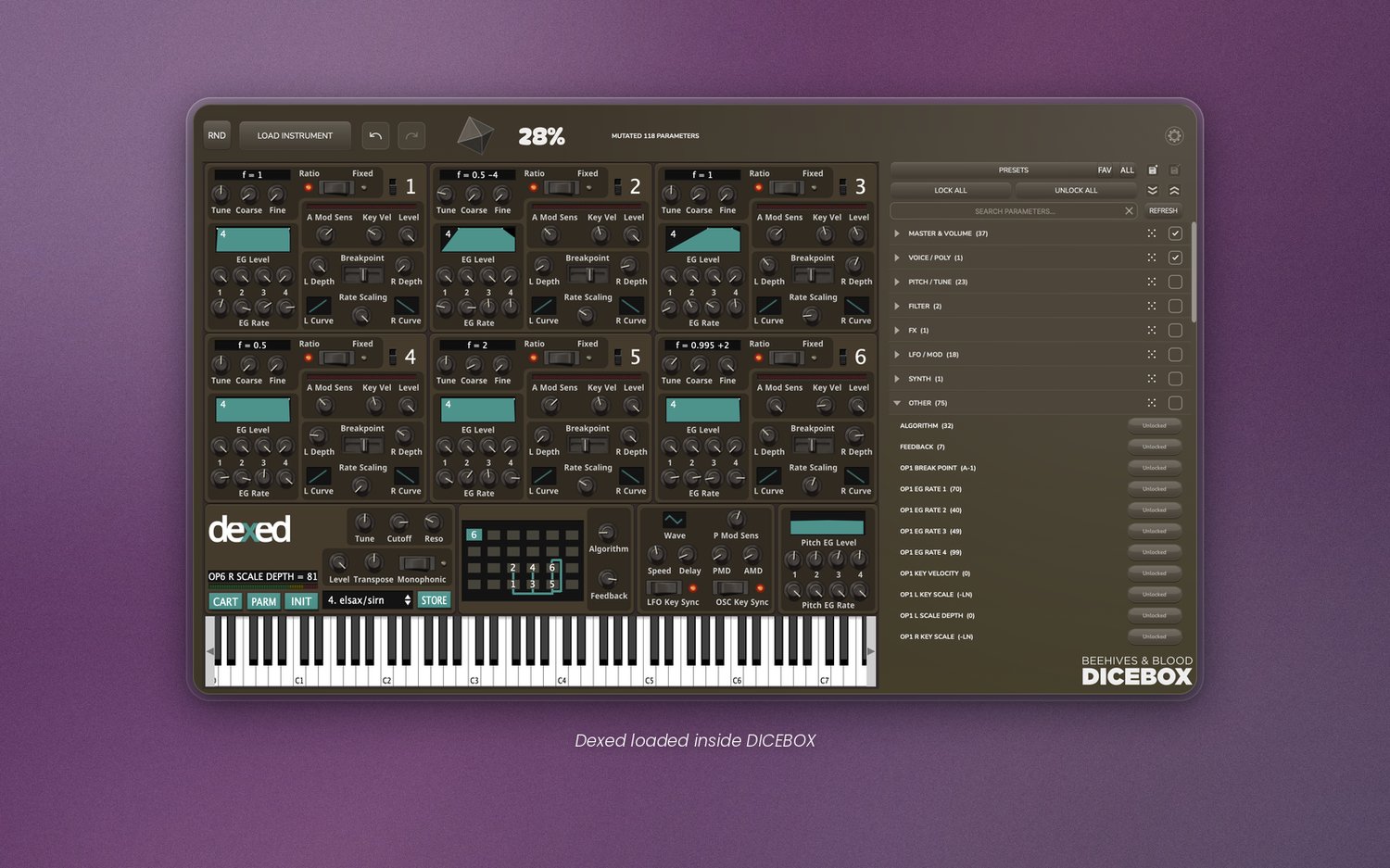
DICEBOX - Randomize new sounds from any plugin you own (VST3/AU)
Make presets for your instrument and FX plugins.
Two separate plugins that each load any plugin from your library and randomize its parameters. INST hosts instruments, FX hosts effects.
Windows and macOS
VST3, AU
KEY FEATURES
Plugin browser
Opens a searchable list to load a VST3, AU instrument or effect into DICEBOX. You can also hit RND to load a random plugin from your collection.
Parameter locks
A scrollable list of every parameter with individual lock checkboxes, plus Lock All / Unlock All. Group-level locks (Oscillator, Filter, FX, etc.), each with its own button to randomize only that group.
Name-based auto-exclusion
Parameters with names like volume, gain, master, output, bypass, enable, on/off or mute are never included when randomizing. You can always unlock them if you want.
Randomization intensity
Drag up or down to set how far parameters are randomized, as a percentage. Set it low and you'll get similar sounds. Set it high and you'll get more extreme results that can inspire new ideas.
Undo / Redo
Steps back and forth through your latest randomizations.
Preset browser
Browse, load, and delete presets.
Customization
Change the background color to anything you like. Use the color picker to grab any color on your screen. Every saved preset can have its own color.
...and more.
What's new in v1.1.0
- AUTO-COLOUR: DICEBOX takes on the main colour of the plugin you load.
- ADD FOLDER PATH: scan VST3 and AU plugins from any folder on any drive, not just the standard system locations.
- VERSION INFO: hover the logo to see which version you're running.
- STABILITY: several crashes fixed.